
Frequently Asked Questions
I’m just getting started. Can I still use Canaveri?
How can we assist you today?
Listed below are the most Frequently Asked Question of new users of CAS.420 Point of Sale System.
How to start and close your day/and review shift reports
Step 1: Go to dashboard from left navigation bar then select profile button from the top right corner there you will see the options.
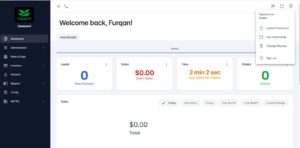
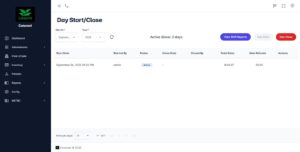
Step 2: Click on day start/close, then Day start, close, and view shift reports buttons will appear.
Step 3: To close a day, you have to close all the shifts.
How to import a METRC Manifest
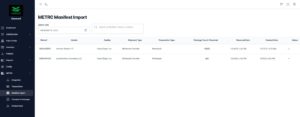
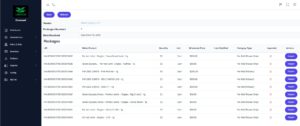
Step 1: Go to dashboard from left navigation bar select METRC button from the dropdown there you will see the options.
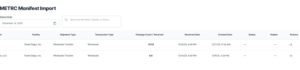
Step 2: Click on Manifest Import, then select the date in the Select Date Box Day, manifest for that date will appear.
Step 3: Click on the Action arrow on the far right-side of the page for the manifest you want to import
Step 4: Click the Import button
Step 5: Choose the Category from the dropdown
Step 6: Add the sales price in PRICE box for all items
Step 7: Click Save in the upper righthand corner
Step 8: Click Refresh button on the left (if completed correctly a green check mark will appear) Repeat the steps for each product
Step 9: Click the Back Button to return the METRC Manifest Import Screen and choose another Manifest to import

Need more assistance, send us a message
[/et_pb_text]